Bank Zenit
 Renaissance Bank
 LOCO-Bank
 T-Bank
 Bank Sinara
 Credit Europe Bank





Как перевести деньги со СберБанка в Т-Банке

Как перевести деньги с карты СберБанка в Т-Банке?

Перевести деньги с карты СберБанка в Т-Банке можно сразу несколькими способами: по номеру карты, по номеру телефона через Систему быстрых платежей, по реквизитам счета. Рассмотрим каждый из вариантов подробнее.
By card number
Перевести деньги со СберБанка в Т-Банке можно двумя способами: в мобильном приложении или в СберБанке Онлайн. В первом случае вам потребуется:
- log in to the SberBank mobile app;
- select the "Payments" section in the bottom menu;
- tap the input field;
- enter the recipient's card number;
- click the "Continue" button;
- select the card you want to transfer money from and specify the transfer amount;
- click the "Continue" button;
- check the entered data, review the fee, and click the "Transfer" button.
To transfer funds using SberBank Online, you need to:
- log in to your SberBank Online account;
- select the "Transfers" section in the widgets;
- select "To another person in Russia";
- click "To another bank by card or account number";
- select "By card number";
- enter the recipient's card number;
- click the "Continue" button;
- select the card you want to transfer money from, and specify the transfer amount and currency;
- click the "Continue" button;
- check the entered data, review the fee, and click the "Transfer" button.
The fee for this method of money transfer is 1.5% of the amount, but not less than 30 RUB RUB.
By phone number via the Faster Payments System
You can make a transfer by phone number via the Faster Payments System only using the mobile app. To do this, you need to:
- log in to the SberBank mobile app in the same way;
- select the "Payments" section in the bottom menu;
- tap the input field;
- enter the recipient's phone number;
- click the "Continue" button;
- select "Via FPS";
- select the recipient's bank, the card you want to transfer money from, and specify the payment amount;
- click the "Continue" button;
- check the entered data and click the "Transfer" button.
To transfer money by phone number via the Faster Payments System, you need to enable this service. You can do this in the SberBank mobile app under "Profile", "Settings", and "Faster Payments System". There you need to enable outgoing transfers. And incoming transfers, if you want to receive money this way.
By account details
You can transfer money by account details in a virtually similar way. To do this using the mobile app, you will need to:
- log in to the SberBank mobile app in the same way;
- select the "Payments" section in the bottom menu;
- tap the input field;
- enter the account number;
- select the card you want to transfer money from, enter the recipient's full name, bank BIC, payment purpose, transfer type, and payment amount;
- click the "Continue" button;
- check the entered data, review the fee, and click the "Transfer" button.
To transfer money using SberBank Online, you need to:
- log in to your SberBank Online account;
- select the "Transfers" section in the widgets;
- select "To another person in Russia";
- click "To another bank by card or account number";
- select "By account number";
- enter the account number, recipient's full name, bank name and BIC, select the card you want to transfer money from, enter the transfer amount, and payment purpose;
- click the "Transfer" button;
- confirm the transaction via SMS.
The commission for this method of transfer is 1% of the transaction amount.
Как перевести деньги с карты СберБанка в Т-Банке с помощью банкомата или терминала?
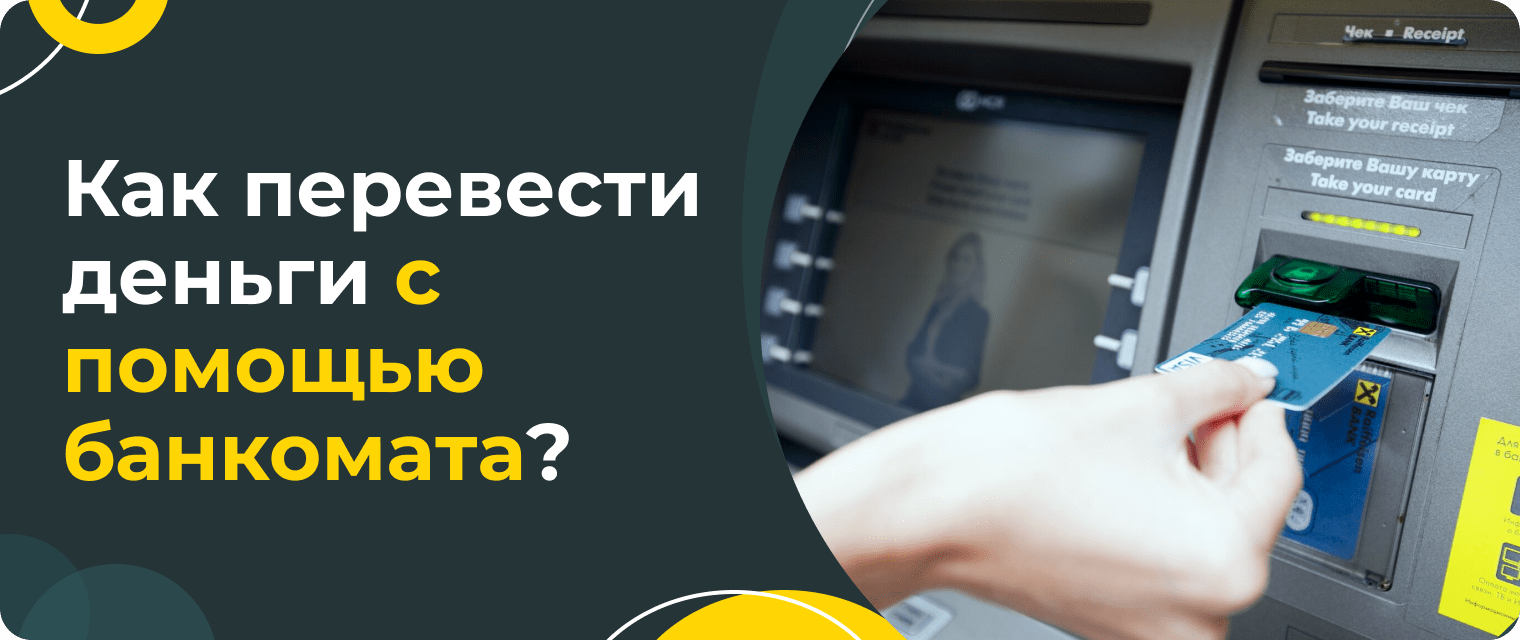
If you are unable to transfer money via SberBank Online or the mobile app, you can do so using an ATM or terminal. To do this, you first need to find the nearest self-service device. You can do this on Sber's official website in the "ATMs" section in the top menu. There, you need to specify your city and find a suitable device.
You can also sort ATMs, for example, by operating hours. If you need a 24-hour device, you need to check the corresponding box.
Непосредственно для самого перевода вам нужно вставить карту в устройство или приложить ее, если банкомат оснащен NFC-модулем, ввести ПИН-код. Затем вам потребуется в главном меню выбрать раздел “Платежи и переводы” , нажать на “Перевод на карту другого банка”, ввести номер карточки Т-Банк и указать сумму платежа, подтвердить операцию.
We will find offers tailored to your situation
Leave your phone number, and we will show you options with a high approval probability and current terms.
- Verified offers
- No calls from managers
- Results delivered through your preferred channel
Как перевести деньги с карты на карту через сервисы Т-Банк?
Помимо описанных выше способов, перевести средства можно и через собственные сервисы Т-Банк. Например, через мобильное приложение или интернет-банк. В первом случае вам потребуется:
- авторизоваться в мобильном приложении Т-Банк;
- tap the card you need;
- click the "Top up" button;
- select "From a card of another bank";
- enter the sender's card number, expiration date, CVV code, and transfer amount;
- click the "Transfer" button;
- confirm the transaction with the code from the SMS message.
A transfer via your account in internet banking can be carried out in an absolutely similar way.
Подведем итоги. Есть масса способов перевести деньги с карты СберБанка в Т-Банке. Причем для этого вам даже не обязательно выходить из дома. Если вам не подошел ни один из вышеописанных вариантов, вы можете просто снять деньги со Сбера и пополнить Т-Банк через банкомат. За такой способ банки не взимают комиссию.

0% for 10 years
From 0 %
Limit - up to 500000 RUB
Период - 0 дней

Withdrawal with 0% fee up to RUB 0
Up to 0 %
Тип кешбэка - Рубли
Кешбэк - Нет

Withdrawal without fee up to 100,000 RUB
Up to 0 %
Тип кешбэка - Рубли
Кешбэк - 10%
Other posts