Bank Zenit
 Renaissance Bank
 LOCO-Bank
 T-Bank
 Bank Sinara
 Credit Europe Bank






How to withdraw money from a QIWI wallet

How to withdraw cash from a QIWI wallet?
There is no direct way to withdraw cash from a QIWI wallet — the system has virtually no physical offices, and its terminals do not provide such a possibility. Therefore, you can only withdraw money from the account by transfer.
QIWI provides the opportunity to withdraw money from the wallet in the following way:
- transfer to a bank card;
- by bank transfer using account details;
- by transfer via CONTACT;
- by transfer via the Faster Payments System;
- by postal transfer;
- by transfer to another e-wallet.
Please note that all transfers are only possible from an identified wallet with "Basic" or "Professional" status. The only difference between these levels is the transaction limits and identity verification methods. For the first level, it is enough to simply provide your passport details in your personal account, while for the second, you need to go through the identification procedure at QIWI service points or partner locations.
By bank card transfer
Thus, to transfer money to a bank card, you need to:
- log in to your QIWI wallet;
- go to the "Transfers" tab;
- select "To bank card";
- enter the recipient's card number;
- select the wallet account;
- enter the transfer amount;
- click the "Pay" button.
Fee for this withdrawal method is 2% plus 50 RUB.
By bank transfer using account details
To transfer money to a bank using account details, you need to:
- log in to your QIWI wallet;
- go to the "Transfers" section;
- select the "To another bank" tab;
- find the required bank in the suggested list or enter its name in the search bar;
- select the identifier type "Account number";
- enter the account number and the account holder's date of birth;
- select the wallet account;
- enter the transfer amount;
- click the "Pay" button.
The fee for this withdrawal method is 1.8%, but not less than 120 RUB.
By transfer via CONTACT
To transfer money via the CONTACT system, you need to:
- log in to your QIWI wallet;
- go to the "Payments" tab;
- select the "Money transfers" section and then "Via the CONTACT system";
- specify the recipient country, the recipient's full name, and the receiving currency;
- select the wallet account;
- enter the transfer amount;
- click the "Pay" button.
The fee for this withdrawal method is 2%.
By transfer via the Faster Payments System
To transfer money via the Faster Payments System, you need to:
- log in to your QIWI wallet;
- go to the "Transfers" section;
- select the "To another bank" tab;
- find the required bank in the suggested list or enter its name in the search bar;
- select the identifier type "Phone number";
- enter your phone number;
- select the wallet account;
- enter the transfer amount;
- click the "Pay" button.
The fee for this withdrawal method is 2.9% plus 50 RUB.
By postal transfer
To send money via postal transfer, you need to:
- log in to your QIWI wallet;
- go to the "Payments" tab;
- select the "Money transfers" section and then "Russian Post";
- select the transfer type "To recipient's address" or "To post office by index";
- in the first case, specify the address and apartment number, in the second — the recipient's post office index;
- in the first case, choose whether to have the money delivered to your home;
- select the recipient's full name;
- select the wallet account;
- enter the transfer amount;
- click the "Pay" button.
The fee for this withdrawal method is 2.5% plus 60 RUB.
By transfer to another electronic wallet
To transfer funds to another electronic wallet, you need to:
- log in to your QIWI wallet;
- go to the "Payments" tab;
- select the "Transfers to wallets" section and choose the required wallet, for example, YuMoney;
- enter the account number, phone number, or payment code;
- select the wallet account;
- enter the transfer amount;
- click the "Pay" button.
The fee for this withdrawal method is 3%.
Withdrawing money via a QIWI debit card
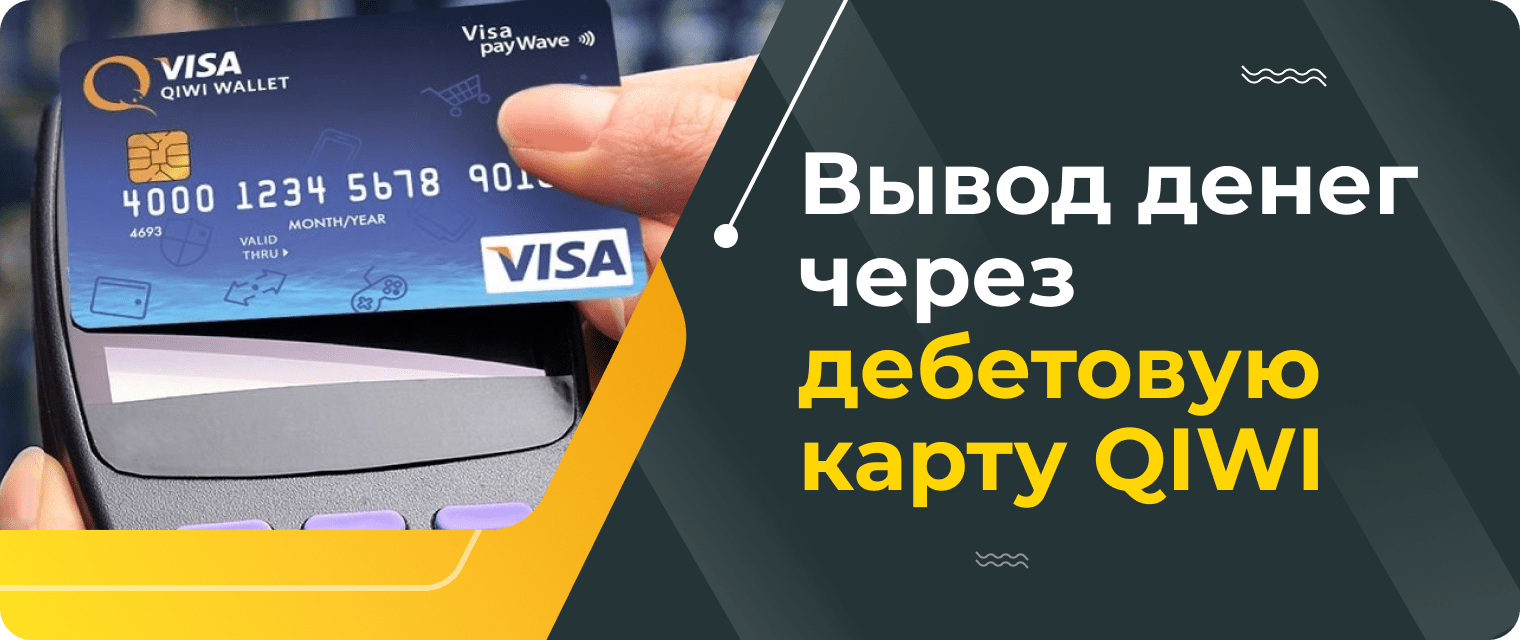
Another way to withdraw cash from a QIWI wallet is to issue a debit card. In our opinion, this method is simpler — the card is linked to the QIWI account, so you can use your money without unnecessary transfers.
You can currently apply for just three plastic cards:
- "QIWI payWave Card";
- "Kukuruza QIWI Mir Card";
- "QIWI Priority Card".
| Service terms | QIWI payWave Card | Kukuruza QIWI Mir Card | QIWI Priority Card |
| Issuance fee | 199 RUB | 349 RUB | included in the "QIWI Priority" package for 799 RUB per year |
| Maintenance cost | free of charge | free of charge | free of charge |
| Expiration date | 3 years | 3 years | 3 years |
| Top-up | free of charge | free of charge | free of charge |
| Cash withdrawal | 2% plus 50 RUB | 2% plus 50 RUB | 2% plus 50 RUB |
| Payment in rubles in Russian stores | free of charge | free of charge | free of charge |
Limits for money transfers from a QIWI wallet
There are a total of three wallet statuses in QIWI: "Minimal", "Basic", and "Professional". Let us look at their conditions in a bit more detail.
| Service terms | Minimal | Basic | Professional |
| Allowed balance | up to 15,000 RUB | up to 60,000 RUB | up to 600,000 RUB |
| Payments | up to 40,000 RUB per month | up to 200,000 RUB per month | up to 4 million RUB per month |
| Maximum amount per transaction | up to 15,000 RUB | up to 60,000 RUB | up to 500,000 RUB |
| Cash withdrawal from QIWI cards | unavailable | up to 5,000 RUB per day and up to 40,000 RUB per month | up to 100,000 RUB per day and 200,000 RUB per month |
| Cash top-up | unavailable | available | available |
| Payment for mobile services, internet, utility bills, traffic police fines, and other services | available | available | available |
| Payments on websites of foreign companies: Wargaming, Steam, Skype, AliExpress, and so on | unavailable | available | available |
| Transfers to other wallets, bank accounts, and cards, or via money transfer systems | unavailable | available | available |
To summarize. There is no direct cash withdrawal from a QIWI wallet — the company's offices are too few and far between, and system terminals do not provide this option. However, QIWI users can cash out their wallet by transferring funds to a bank card, bank account, another electronic wallet, and so on. It is important to note that this is only available to account holders with "Basic" and "Professional" statuses.
We will find offers tailored to your situation
Leave your phone number, and we will show you options with a high approval probability and current terms.
- Verified offers
- No calls from managers
- Results delivered through your preferred channel

0% for 10 years
From 0 %
Limit - up to 500000 RUB
Период - 0 дней

Withdrawal with 0% fee up to RUB 0
Up to 0 %
Тип кешбэка - Рубли
Кешбэк - Нет

Withdrawal without fee up to 100,000 RUB
Up to 0 %
Тип кешбэка - Рубли
Кешбэк - 10%
Other posts